Prepare your information
Build a useful request file without oversharing
Use a private checklist to organize the business purpose, accurate contact details and supporting records. Share documents only through the specific process requested.
Merchant Dash LLC · Business preparation
Start here ↓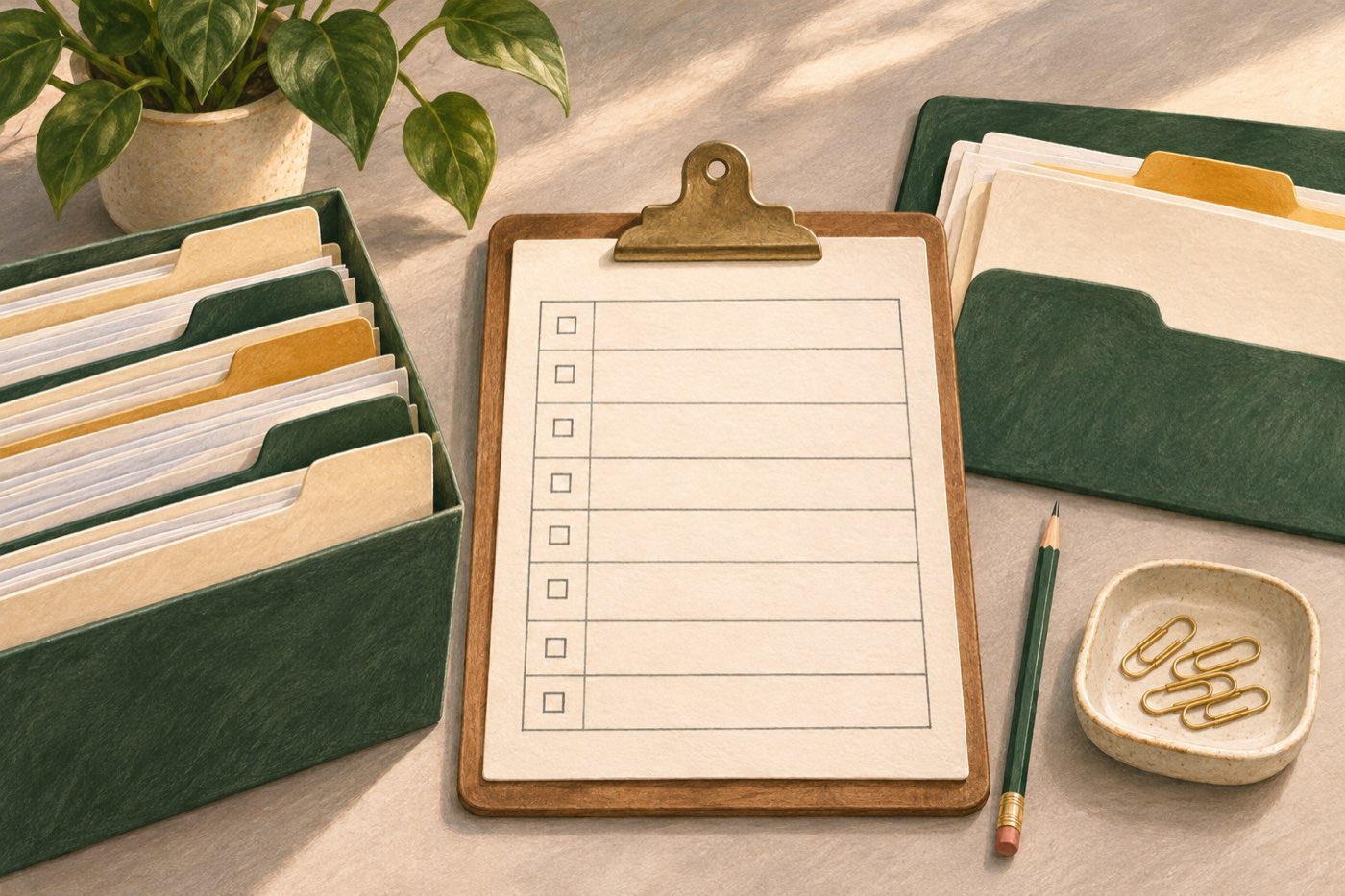
What this step helps you do
- Use current, consistent business and contact details.
- Keep a list of available records and unresolved questions.
- Confirm the recipient, requested files and upload method before sharing documents.
Preparation is about finding accurate information, not collecting the largest possible bundle of files. Start with a short description of the business need and an index of the records that support it. Keep the documents in your normal secure business records system while you decide what to submit. The preparation notes on this page are not an application, and this page does not collect your answers.
The initial request and any later application can ask for different information. Follow the fields and instructions on the form you actually use. If a funding partner’s program may fit, that partner may request a separate application or supporting documents. A checklist cannot determine the exact package every partner will need.
Start with the business details
Confirm the business name, the state requested by the form and the contact person who can answer follow-up questions. Check that the email address and phone number belong to a person authorized to coordinate the request. If the business uses more than one name, make a note of the distinction so you can answer accurately when asked.
Record where each important detail came from. A date from an official business record and a remembered estimate are different kinds of information. If the form asks for a range, choose the range that reflects the actual record rather than rounding toward the answer you hope will fit.
Write a short purpose statement
Describe the activity the request would support, the current situation and the information you still need to confirm. Keep separate projects on separate lines. For example, a replacement machine and an inventory order may have different source records, even if they are part of the same business plan.
A useful private note can answer four questions: What is the business trying to do? Which details are confirmed? Which records support them? What remains unresolved? Keep promotional language out of the note so that the underlying activity stays easy to understand.
Make a records index, not an unsecured document bundle
Create a private list with the record name, the period it covers, the person responsible for it and its secure location. You can identify a bank-statement period without copying account numbers into the index. You can describe a customer invoice without adding the customer’s confidential information to a public worksheet.
The FTC advises businesses to retain only information they need and to protect sensitive information when it is stored or transmitted. For this preparation exercise, keep the working note limited to the information needed to organize your request. Use the approved process for actual documents rather than ordinary public comments or a general support message.
Match the records to the business activity
An equipment request may need a clear seller quote or listing, item description and intended use. An invoice-related request may need records of the customer, invoice and accepted work. An operating project may be explained by supplier paperwork, current business records or a project description. These are preparation categories, not a universal list of documents to upload.
Keep versions distinguishable. A draft quote should not look like a final quote, and a changed invoice should not replace an earlier version without an explanation. If information is missing or inconsistent, record the question and ask the person who maintains that record.
Wait for specific document instructions
Before uploading, check which recipient is requesting the file, why it is needed, the period it should cover and the accepted format. Confirm whether the request relates to your original submission. If anything is unclear, use the support address shown on this website to ask for clarification before sending confidential material.
A general request to prepare records is not permission to send every record you hold. Do not send account passwords or one-time codes to another person. If a secure upload instruction is provided for your request, use it only for the requested documents. An upload receipt means the files reached that upload step; it does not itself confirm that a funding partner received or reviewed them.
Review the file before continuing
Read the purpose statement against the records index. Check names, contact details and the business state. Make sure estimates and missing information are labeled. Choose one person to maintain the latest version so that corrections do not get lost across several conversations.
Then decide whether to start the relevant request, finish a preparation task or ask a question. Keep any confirmation or reference you receive with the private working note. If information changes after submission, request a correction rather than assuming a new submission will replace the first one.
Your private preparation checklist
1. Business basics
Confirm the name, business state and authorized contact details requested by the form.
2. Purpose and product preference
Describe the activity, any specific product preference and the facts still needing confirmation.
3. Records index
List the record, relevant period, owner and secure location without copying confidential identifiers.
4. Sharing check
Confirm the recipient, requested files, format and secure process before sending documents.
Common questions
Should I send documents before anyone asks?
Use the form and document instructions provided for your request. Do not send a complete bundle to a general mailbox or public comment thread just because the records might be relevant later.
How many months of records should I prepare?
The required period can depend on the product, recipient and request. Identify the records you have, then confirm the exact period requested before uploading them.
Is a downloaded worksheet a secure application?
No. It is a preparation aid saved to your own device. Keep it private and use the actual request or application process when you are ready to share information.
One connected journey
Choose the next step you need.
Preparation is optional. You can use the request form when you are ready; these guides do not determine eligibility.
Choose a request
Start with the business activity and review the request service.
Prepare the details
Build a private records index and identify what still needs checking.
Understand the next step
Keep received, submitted and reviewed statuses distinct.
Equipment requests are unavailable in CA, FL, GA, MO, ND and VT.